Document processing
A processed document is one with the status "finished". Such document is formally automatically moved to the Archive. The document stays physically in the same folder, but it is listed as an archival document and displayed in the archive.
Let us show an example of changes in document status when placing a document in a document folder and in a process:
-
After placing to the DMS () – the status is in progress (NEW).
-
After adding to a process (for example MSG_OUT outgoing document) – the status is ASSIGNED.
-
After the process completes – the status is FINISHED; the document is archived.
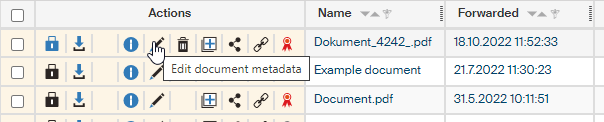
Document status is displayed in the metadata window – to see it, click Edit document metadata in the Actions column when viewing the contents of a document folder.
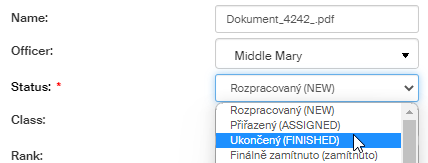
You can use the Status control to change the document status (as long as it is not finished yet).
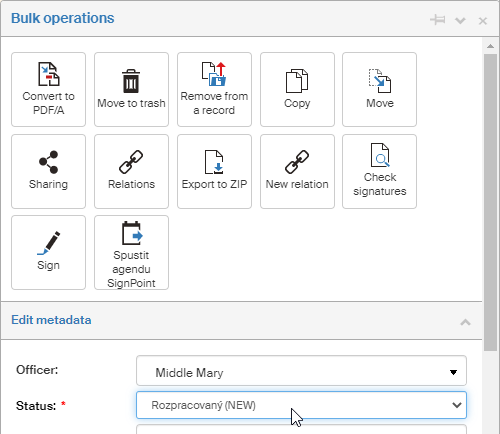
The same control is available in the modal Bulk operations window, which opens if you select the checkbox on the left from the Actions column.