List of failed attempts at login using a password
Access the screen List of failed attempts at login using a password by going to . Only users with the corresponding permission can access the command and view and manage the list.
The usual filtering options and ordering by columns are available for the screen contents.

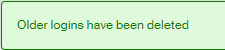
Click the button Delete logins older than a month to reduce the list to items not older than one month. On successful deletion, the message Older logins have been deleted will be displayed. It is not possible to delete logins newer than one month.