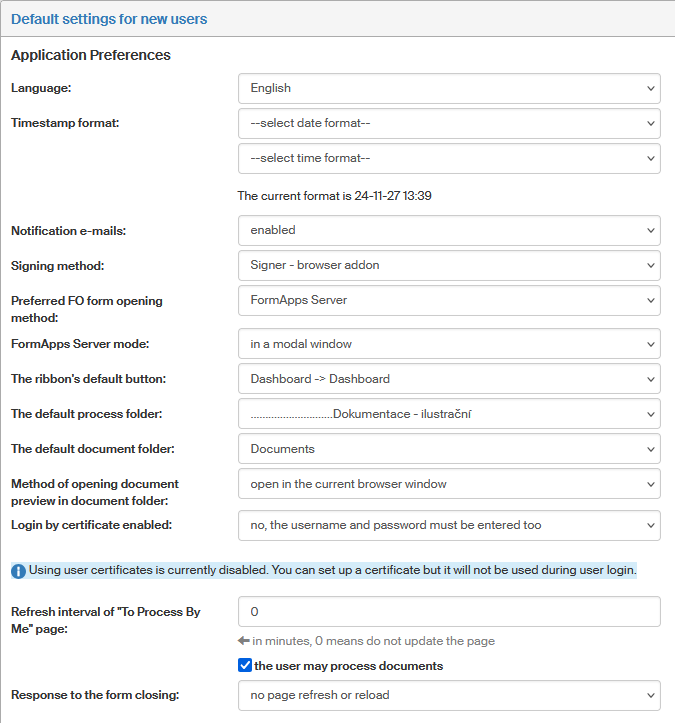
Default settings for new users
Some user properties will repeat so often that they can be reused directly or with a few small changes. You can use the screen Default settings for new users opened by visiting to set them up in advance and save for future use. The details entered here will be used as default when entering a new user’s details; then you can adjust them as needed.
This tab corresponds to the options in section Application settings in user details. You can find the individual items described in chapter Application preferences.
Note the option preferred method of opening FO forms. It allows you to set whether to open forms in the standalone Form Filler application or directly in a web browser using FormApps Server. Both options then offer several ways to be run. If you check user may change the method of running Form Filler and FormApps Server, the users will be able to change these settings themselves.
Similarly, you can also enable or disable the setting Allowed types of authentication, which specifies whether username and password are still required when logging in using a certificate. For a description how to change authentication to FormFlow to using a certificate, see chapter Login using a certificate.
| Previously used label for the checkbox The user can be a creator of documents has been, as of January 2020, changed to The user may process documents. |