Labels
A set of labels can be created for the Archive. Labels can be then attached to archived items during a Shredding procedure and used e.g. for filtering.
Go to to open the label administration screen. Label administration is simple – each label has a name and a code.
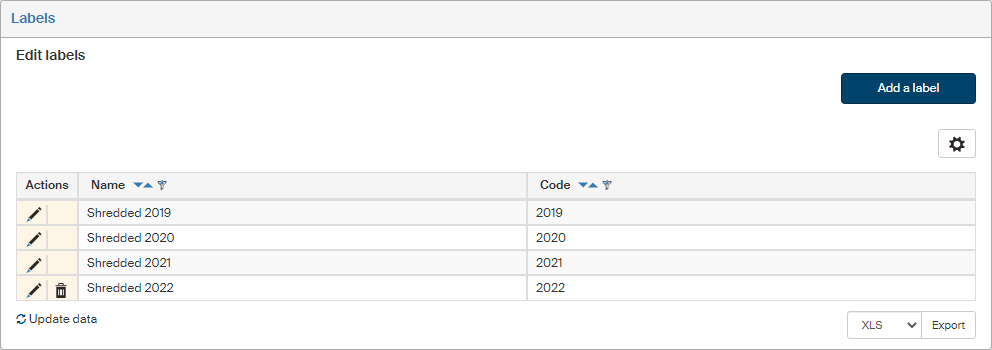
Click Add a label above the list of existing labels to open the dialog.
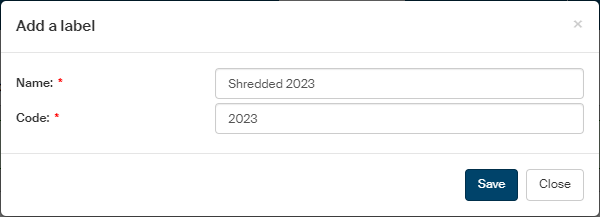
The text entered in the Name field will be displayed in the Labels list. A label must also have its unique Code.
Use the buttons in the Actions column to manage the label entries:
-
Click
 Edit label to display the label edit dialog.
 -
Click
 Delete label to remove the label entry from the list.
To confirm insertion or changes, click Save.
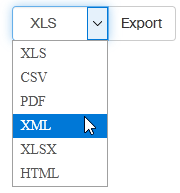
You can click the Export button below to export the labels to a file in a selected format. Select the format from the list on the left from the Export button.