Domains
Users, groups and roles can be assigned to various domains. Manage the list of domains using the Domains window (). This list contains the basic identification details for each domain: a Code and a Name. The default domain is marked with a green check mark in column Default domain.
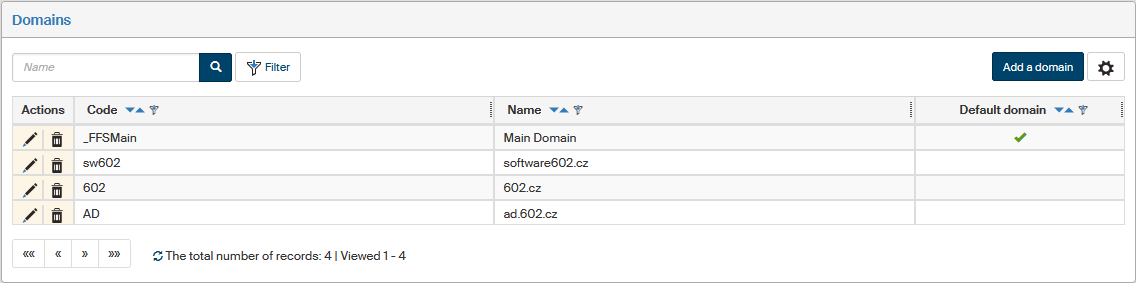
To add a new domain, click Add a domain on the upper right. The button opens the dialog Add a domain. Fill in both fields and click Save to confirm the new entry.
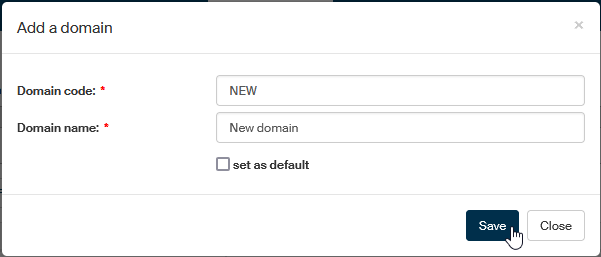
You can also set or change the selection of the default domain. Only one domain can be set as the default one. If you select another, the setting will change without any further notices.
The following buttons are available for each entry on the domain list:
-
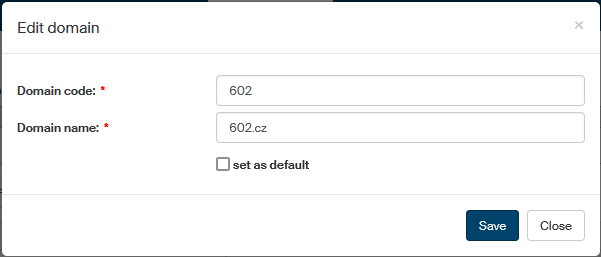
 Edit to change domain properties. Click to display a dialog with the domain’s current settings. Edit them as needed and click Save to confirm the changes. The dialog can also be used to change the default domain selection.
 -
 Delete to delete the domain entry.