Output data formats
This feature offers a set of formats in accordance with § 23 of Regulation no. 259/2012 Sb. on the details of records management practice. A user with administrator permissions can edit the list if needed. Output data formats are set up on entity level.
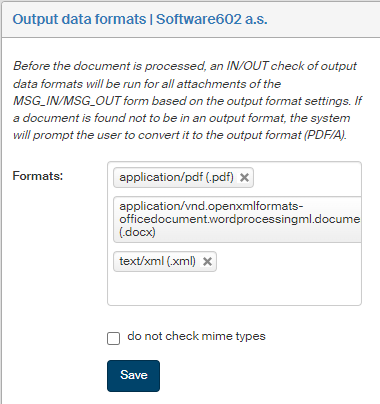
Before an IN/OUT document is processed, all its attachments are checked for output data formats. If a document is not in one of the allowed output formats, the system prompts the user to convert it to the PDF/A output format. The conversion is performed within FormFlow (without the need to switch to other software).
On the left panel in the Entities screen (), make sure the entity you want to edit is selected in the Entities list. Then go to Menu and click Output data formats. The screen Output data formats (entity name) is displayed on the right. Set up the list of required output formats here.