System e-mail queue
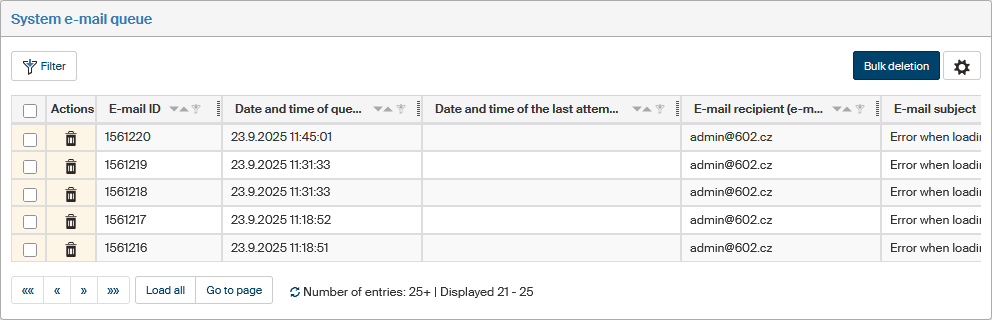
The System e-mail queue window displays the queue of e-mail messages to be sent to FormFlow administrators. The window is available to users with the EXECUTE permission to EQUE_MANAGEMENT system operation, which typically means users in the Administrators group and Configuration Administrator role.
Information such as identification details, details of attempts to send, and errors, if any, is available for each unsent e-mail message. You can filter the messages in the window based on these details: use the Filter button on the left above the list. Filtering options are described in chapter Advanced search.
To delete unwanted messages or messages with issues:
-
To delete a single message, click the
 Delete button in the Actions column.
 -
To delete more messages at once, check the box on the left for each messages to delete and then click Bulk deletion.
In both cases, a confirmation dialog is displayed before the selected messages are deleted.