Settings
The common records management features can be configured in the Settings screen (). The records management service cannot run without a correct configuration.
These settings are common for all entities.
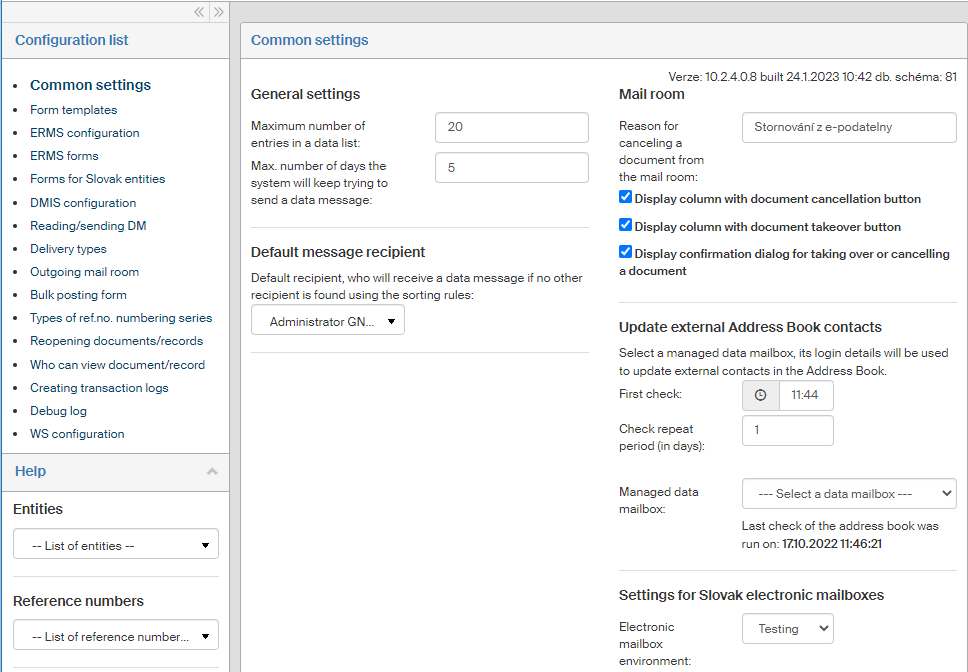
The upper left section of the screen contains the Configuration list: they are groups of settings related to specific functions of the Electronic records management. Select an entry from the list to display all the controls for the group of settings on the right.
Below the list, the left part of the screen displays a Help section with lists of existing entities, reference numbers, forms and users.