UID
FormFlow automatically assigns a unique identifier to each address book entry. This identifier is different from the UID in records management and is used for identification within the Address book.
Each entity group has its own identifier series in the Address Book. Start by opening the UID for the Address book screen by going to , then select in section Entity groups which group to edit.
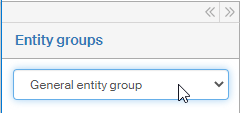
The UID format settings are then displayed on the right:
-
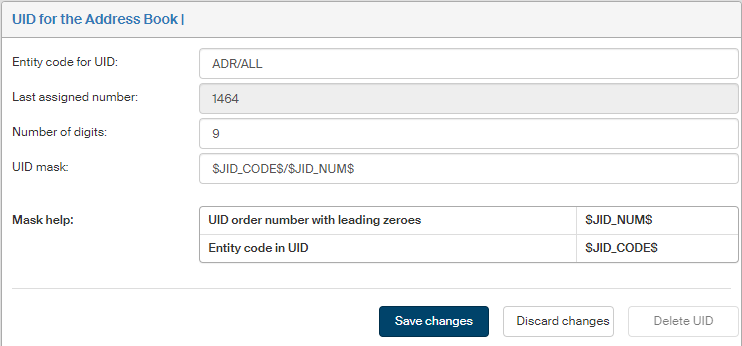
Subject code for UID – a string that identifies the entity group and is used as a part of the UID.
-
Last assigned number – number assigned to the latest saved contact. Not editable, it is only displayed for your reference.
-
Number of digits – number of digits in the assigned number. Leading zeros will be added to the UID for lower numbers.
-
UID mask – set up the format for UID generation in this field. There are two placeholders available: the code
$JID_NUM$will be replaced by the order number (with leading zeros if they are needed for the preset number of digits), the code$JID_CODE$will be replaced by the entity code.
Click Save changes to confirm your edits or click Discard changes to return to keep the current setting.