Conversion from paper to electronic form according to §69a
This option provides document conversion from paper form to electronic (digital) form. The procedure ensures the document’s authenticity, contents inviolation and secure conversion process.
Start by scanning the document using the button Insert from scanner and run an antivirus check on it. Then click the magnifying glass button to display the preview and check the scanned document visually.
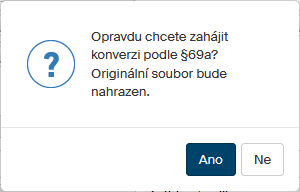
Select the conversion option Conversion from paper to electronic form according to §69a. Click Yes in the following query to confirm that the original scanned document will be replaced in the form with a converted one.
Then check the corresponding boxes in screen Security features on the original document for any characteristic elements used in the document that cannot be transferred to electronic form, such as watermarking. If the document contains another security feature not covered by the checkboxes, describe it in the field Other security feature. Click Confirm to accept the setting.

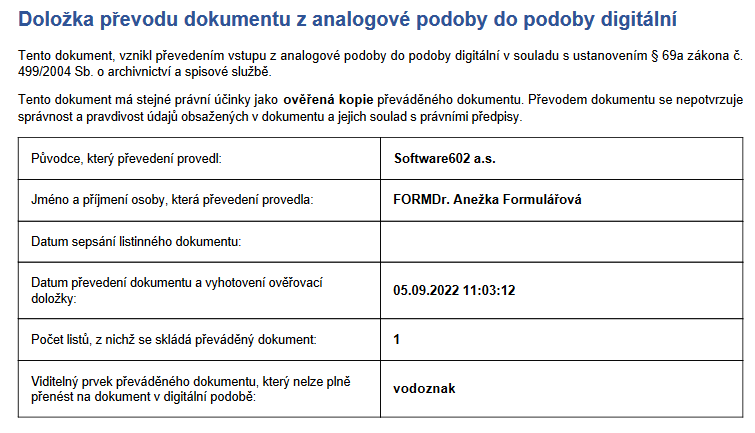
Then the conversion is run and its result saved directly in the form attachment file. Besides the scanned attachment, the file now contains a clause for the document conversion from analog to digital form. You can click the magnifying glass button to visually check the document or save its copy as a file using the Attachment button.