Change password or certificate
The window opened by clicking Change Password or Certificate from the tab My settings is used to set up FormFlow login methods.

Change FormFlow login password
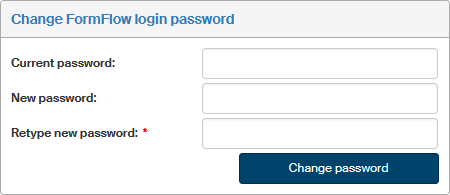
The dialog Change FormFlow login password allows you to set the FormFlow access password:
-
Start by entering the current password, if there is any, in the Current password field.
-
Then enter the new password twice, in the New password and Retype new password fields.
-
Confirm the change by clicking Change Password.
Certificate settings
Apart from the combination of a username and a password, it is also possible to log in to FormFlow using a digital certificate.
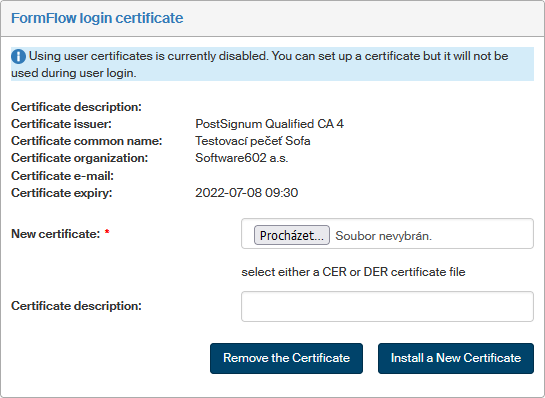
You will first need to install the certificate in section FormFlow login certificate using the following procedure:
-
Click Browse next to the New certificate field and use the following dialog to look up the certificate file (in CER or DER format).
-
If you want to add your own note, enter it in the field Certificate description.
-
Click Install a New Certificate.
When the certificate is uploaded, its description is displayed in the upper part of the section. You can install more certificates if they are needed.
Or you can click Remove certificate to delete an uploaded certificate from FormFlow.
Change distribution password
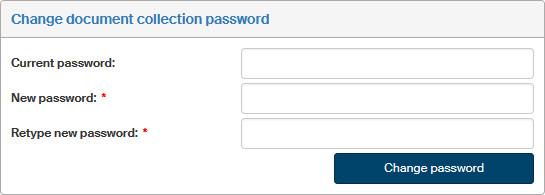
If you are using the records management service module, you can use this section to change the password used to confirm personal takeover of paper documents in a mail room. Use the same procedure as in chapter Change FormFlow login password.