Editing an existing entry
Address book entries can be also edited later. Look up the contact and load their details in the same form as was used to create the contact.
-
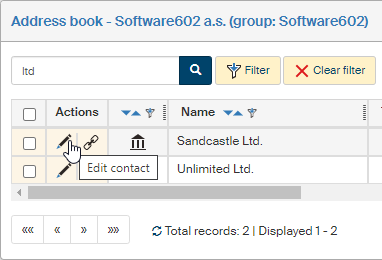
First open the Address book tab and use the filter to look up the contact you want to edit.
-
In the Actions column, click Edit subject.
-
The window Editing subject… opens. Use the arrows on the right to expand the detail sections and edit or enter the details as you need.
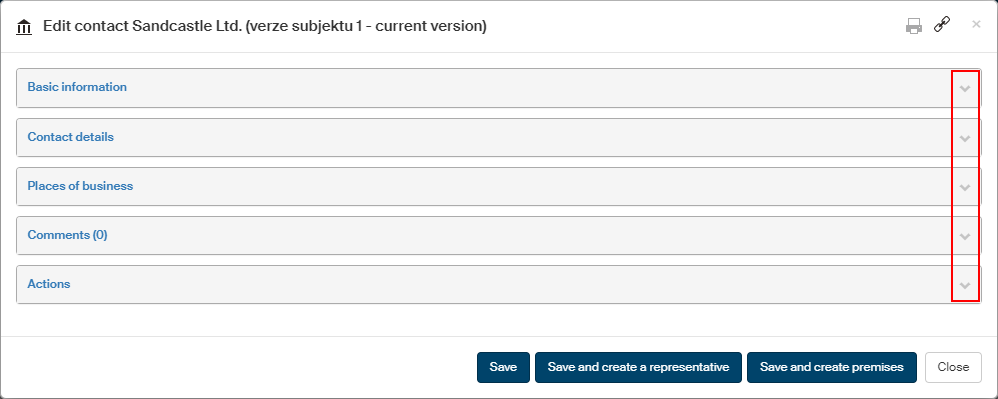
Click Save to save the changes. Optionally, based on the contact type, you can choose one the buttons Save and create premises or Save and create representative.
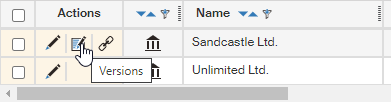
| If there is more than one version of the contact created, the Actions column contains the Versions button. Click the button to display a list of previous versions, and you can display their previews. |