Directory
To authenticate users using synchronization with Directory, you need to configure the synchronization in FormFlow first. For each user, Synchronization with Directory must be enabled in the user’s settings and the user must be synchronized.
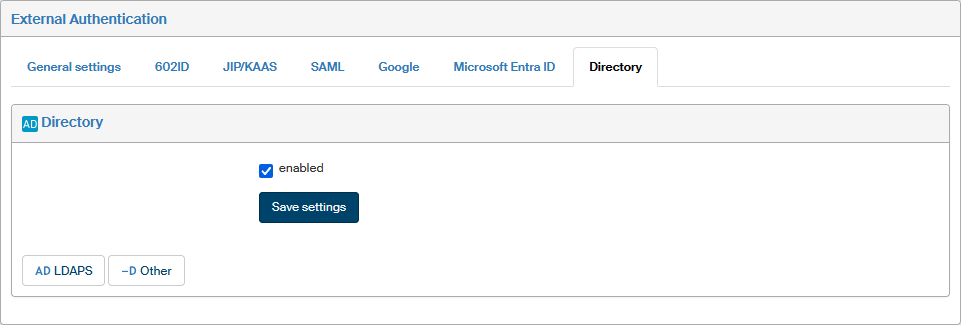
To enable the authentication, go to window External authentication (), select the Directory tab, check enabled and save the settings.
The lower part of the tab displays links to available synchronization settings. For more information on synchronization settings, see chapter Synchronization.