Basic registers
The Basic register databases can be used to look up address book subject; details in the database are verified. Only public administration bodies can access the database using AIS (agenda information system). They will receive access details from their administrator. You can find more information on page https://www.szrcr.cz/cs/sluzby/organy-verejne-moci (in Czech).
Visit the Basic register settings screen by selecting .
The screen lists the profiles with access details to the basic registers.
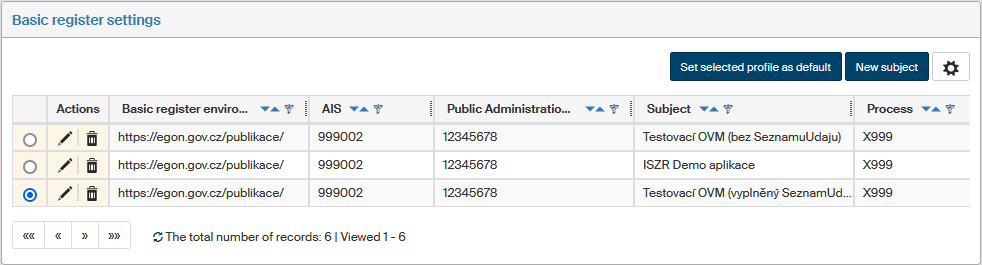
Selecting the default profile
If you have set up more than one subject profile, you can select the default one.
-
Click the radio button in the first table column.
-
Confirm the selection using the button Set selected profile as default.
Creating a new subject
Create a new subject using the Basic register settings screen by clicking New subject.
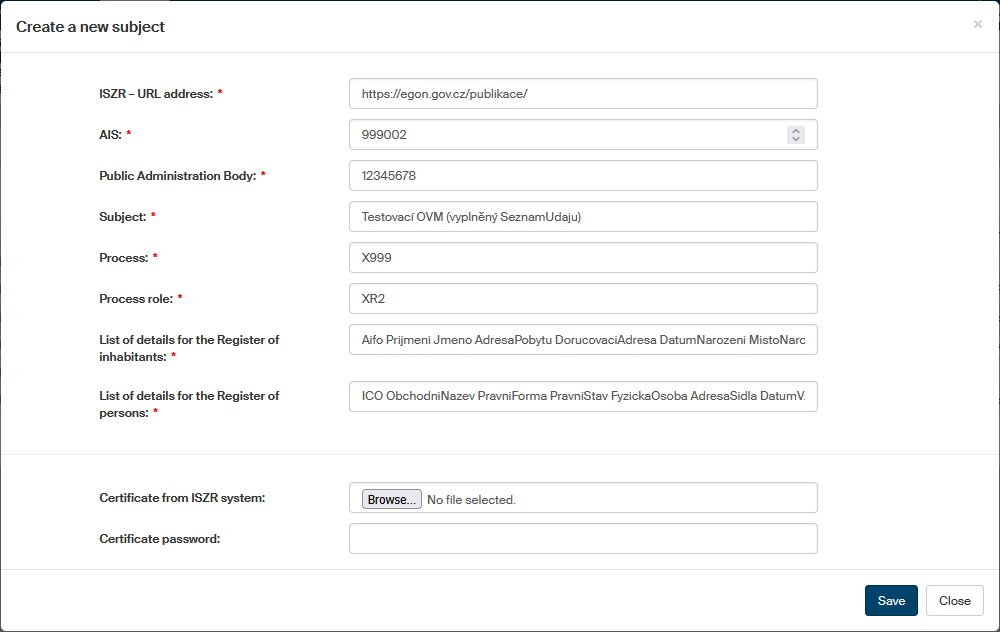
In the dialog Create a new subject, fill in all mandatory fields for access details. The ISZR – URL address depends on whether FormFlow connects to the test or production ISZR environment:
-
Production environment on the internet – https://iszr.gov.cz
-
Publication test environment on the internet – https://egon.gov.cz
|
To access the test environment, you will need to send a request to ISZR at ra@dia.gov.cz and ask to create access. The form (in Czech, in DOCX format) for the request is attached or available at this link. When testing, the following testing data set can be used: ROS (IČO: 00829838, 00838420), ROB (MAREK ROLNIČKA born 11.1.1968). Documentation for the Basic registers (in Czech) is available at this link. We are also attaching a PDF file with test data description here. |
-
You can use the following items in the List of details for the Register of inhabitants:
Aifo Prijmeni Jmeno AdresaPobytu DorucovaciAdresa DatumNarozeni MistoNarozeni DatumUmrti DatumPravniMociUmrti MistoUmrti DatovaSchrankaROB Doklad Obcanstvi RodnePrijmeni OmezeniSvepravnosti RodinnyStavPartnerstvi Pohlavi Telefon Email Certifikat -
You can use the following items in the List of details for the Register of persons:
ICO ObchodniNazev PravniForma PravniStav FyzickaOsoba AdresaSidla DatumVznikuOpravneni DatumZanikuOpravneni DatovaSchrankaROS
The dialog includes certificate selection from the ISZR system (basic register information system). In section Certificate from ISZR system, click Browse and use the usual system dialog to look up a certificate file. Enter the corresponding password in the Certificate password field.
You can also add the certificate in the CaFile.crt file in FormFlow root using openssl:
openssl x509 -in base64.cer -text >> CAfile.crtEdit subject
To edit the details for one of the basic register subjects, click  Edit profile in the Actions column next to the subject.
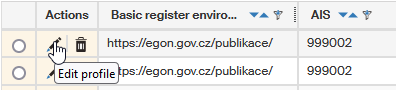
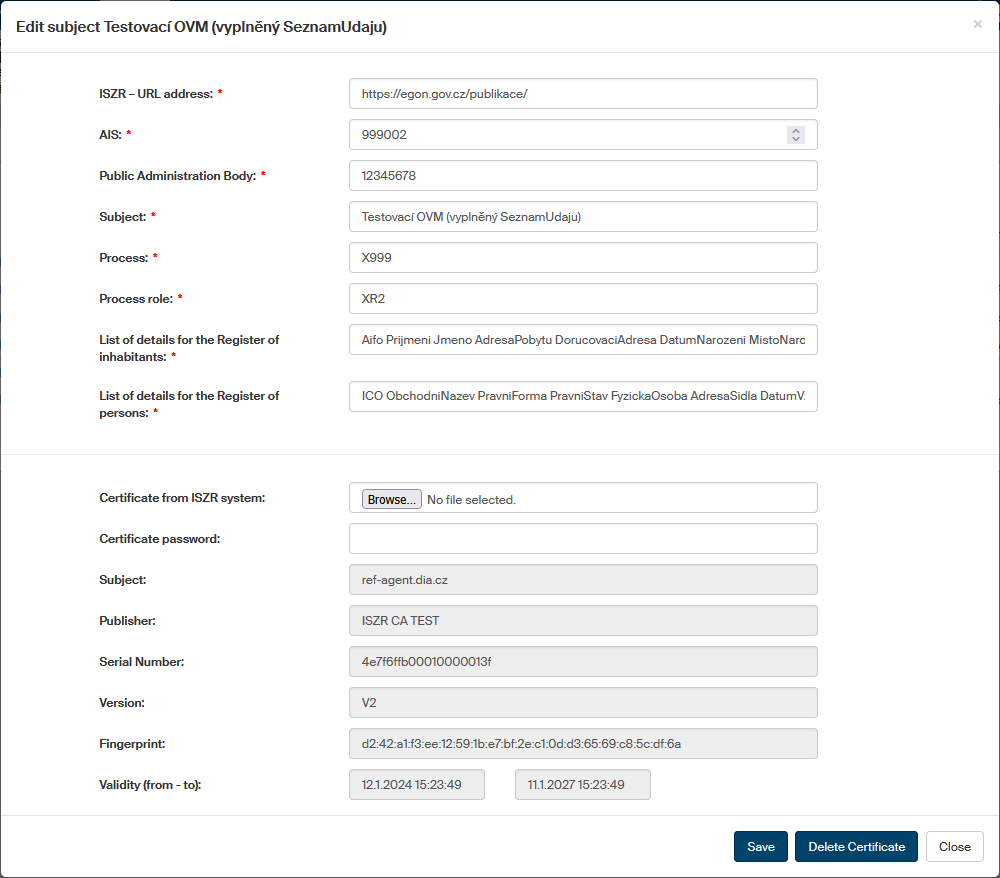
A dialog window Edit subject is then displayed. Its upper part contains the same details as when creating the subject. You can edit them here or change the inserted certificate. The lower part displays the properties of the certificate.
If you make any changes, confirm them by clicking Save.
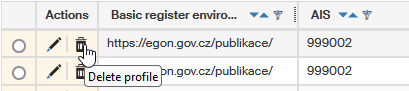
To delete one of the subjects, click  Delete profile on the same row as the profile.