Settings overview
The Settings overview screen collects general FormFlow information that includes its version number, also the system and the server used to run FormFlow. Open the window by going to .
You can export the displayed information to an XML file by clicking Export in the upper right part of the window.
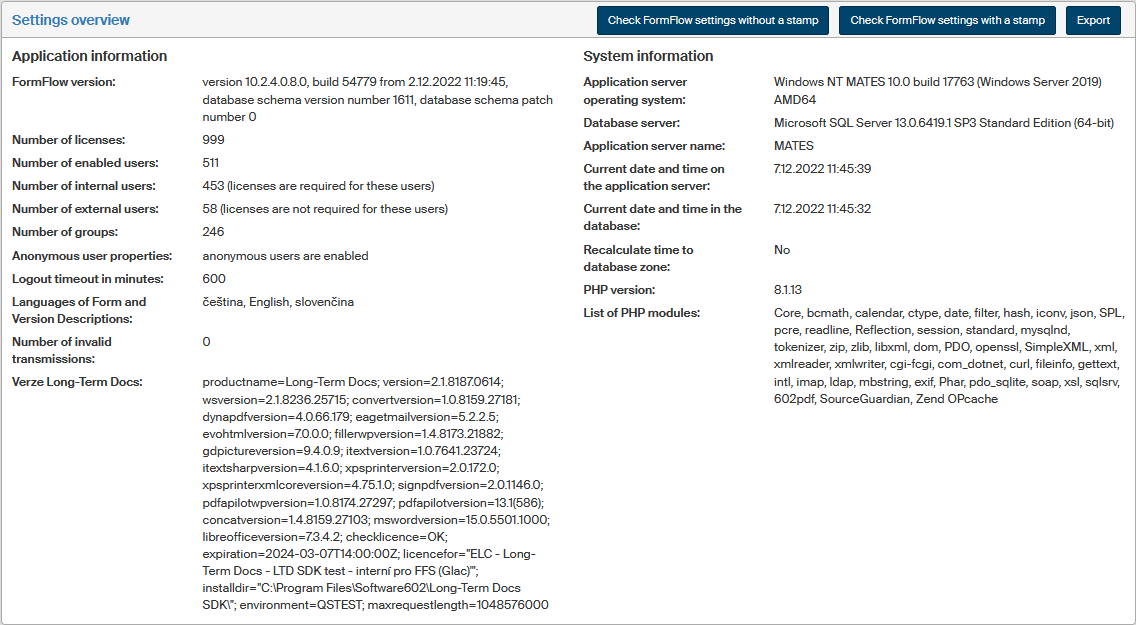
Click Check FormFlow settings without a stamp to open a window with a summary of current FormFlow installation settings and which lists both expected and actual parameter values.
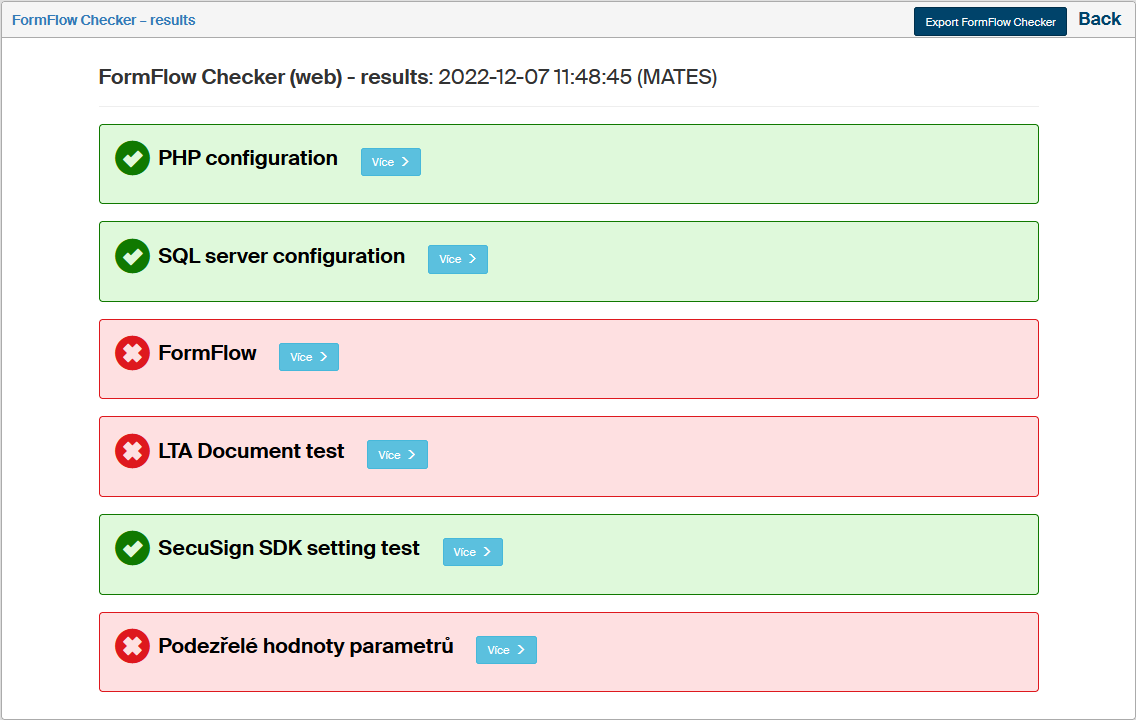
Then you can click Export FormFlow Checker to export the FormFlow setting check result in an HTML file.