Languages
Form descriptions can be available in more than one language. You can visit the screen Description languages by going to and select which languages to enable. If there is more than one language set up in FormFlow, users will be shown the description in the language they have set in Application settings.
You can prepare e.g. versions of notification e-mails for the enabled languages.
List of languages
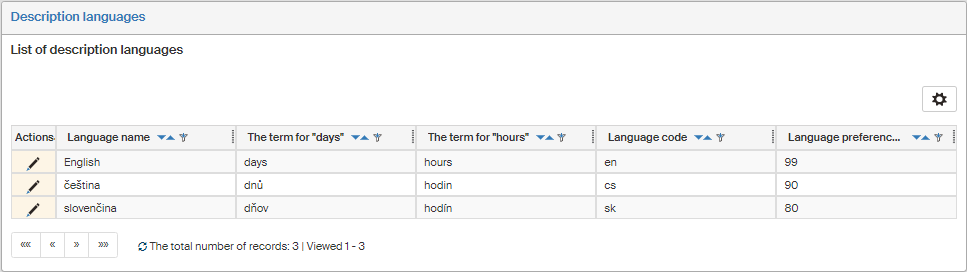
Each language is displayed in a separate table row.
-
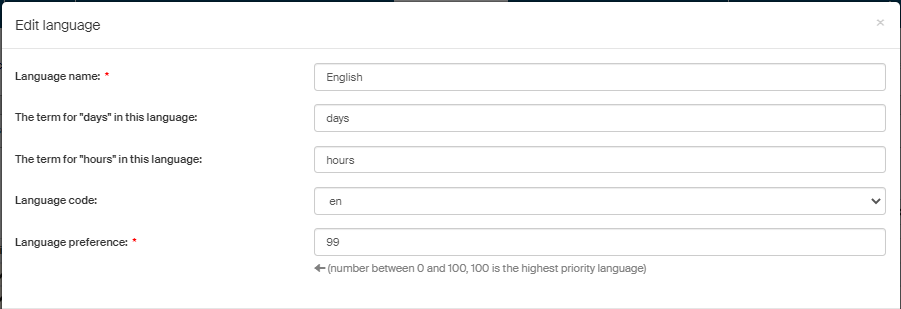
Language name is the name displayed in language selection lists.
-
The term for “days” and The term for “hours” are the words to be used to express days and hours in the selected language.
-
Language code – short identification of the language.
-
Language preference is a number representing priority for the language (higher number means higher priority).