Entities
Using the Archive is always related to a specific entity. Go to to select and manage entities. Use this screen to create new entities and edit the existing ones.
To select an existing entity, go to the section on the left (Entities) and select the entity to edit in the field Select subject.
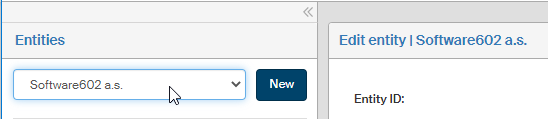
When an entity is selected, a Menu section is displayed in the panel.
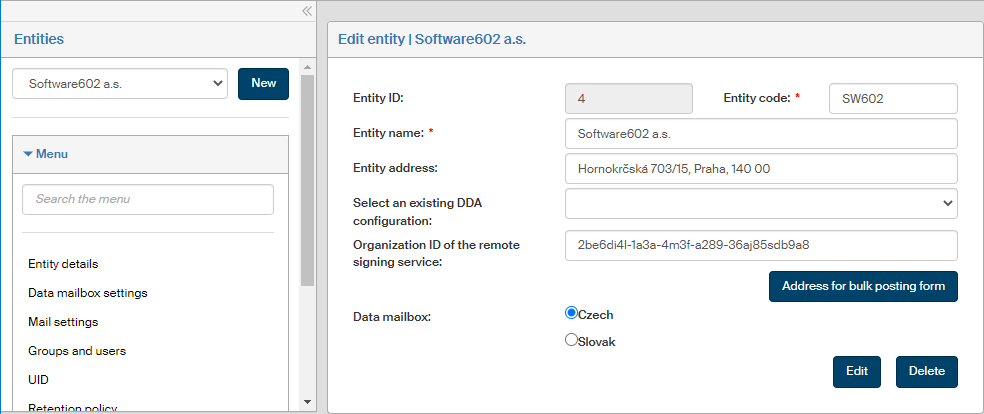
The menu gives access to all functions needed to manage entities. Click an entry to display a corresponding section on the right, with the entity’s details and controls to edit them.
If you select e.g. Organizational units, the right side of the window displays a list of existing organizational units for the entity, the controls to edit them and create new organizational units and to check user membership in each of the organizational units.
For more details on creating and editing entities, see chapter Entities.