Printing the contact detail
The upper right corner of the window for creating a new contact entry (Create a new subject) or editing an existing one (Editing a subject) contains a button with a printer symbol – Print template. You can use it to print out the entry using a selected template (e.g., personal details, an address label, complete entry, etc.).
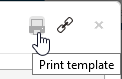
Click the button to display the Templates dialog. Select a template in the option of the same name and click Open.
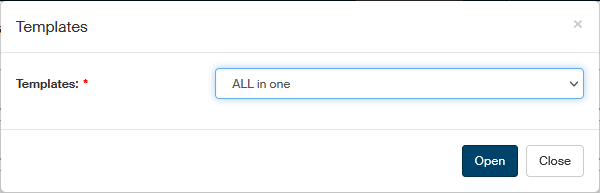
A dialog is then displayed with a query. Select to open the template in the corresponding application (e.g. Word). A window with the selected application opens, displaying a document based on your selected template and filled out with the details of your selected contact, e.g.:
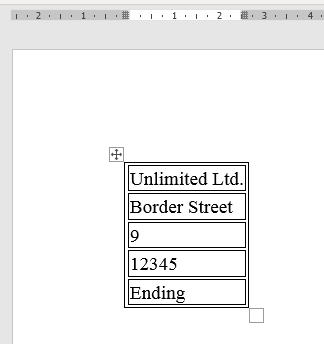
You can edit the document as you need and print it out or save in a file.